How it works
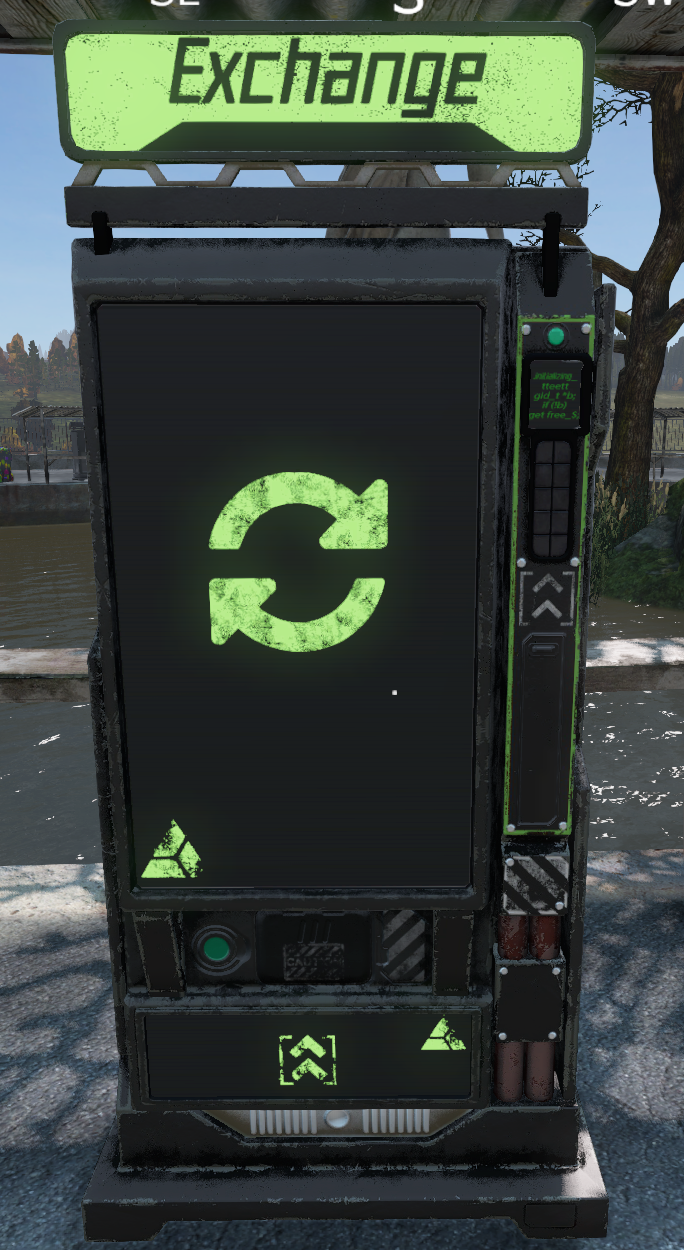
- Location: The main Ink Exchange is at Oasis Main Trader Hub.
- Purpose: Turns Ink Coins and completed collection boxes into server rewards.
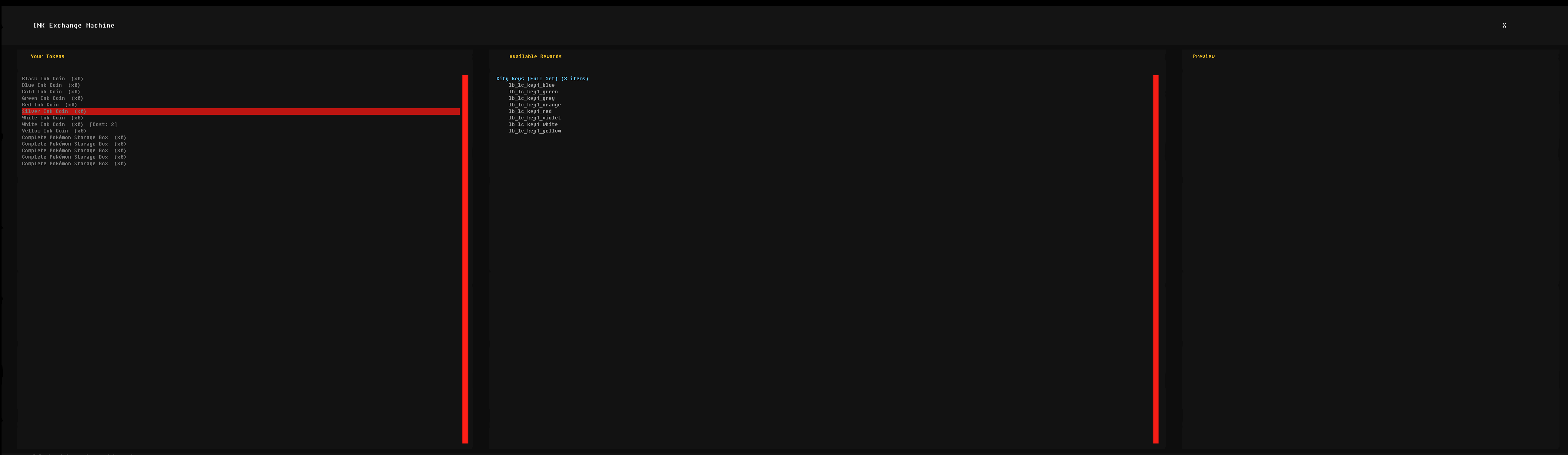
- Tokens: Reads available Black, Blue, Gold, Green, Red, Silver, White, Yellow, and Purple Ink Coins, plus completed collection storage boxes.
- Preview: Select a reward to see the preview panel before confirming.
- Rewards: Rewards can include city key sets, custom clothing choices, bags, plushies, sunglasses, and collection challenge sets.
- Important: Ink Yard does not have an Ink Coin exchange, so use Oasis for exchanges.
Redeem an item
- Bring the correct Ink Coin or completed storage box to the exchange machine.
- Open the Ink Exchange Machine UI.
- Select a token on the left to see available rewards in the middle panel.
- Highlight a reward to review the preview area before completing the exchange.
- Confirm only when you are sure, because exchange rewards are server progression items.
White Ink Coin rewards
- 1 White Ink Coin: Ink Teddy, non-wearable, 100-slot storage.
- 2 White Ink Coins: Equipable glow Ink Teddy with 100-slot storage, or Ink Labubu.
Yellow Ink Coin rewards
- 1 Yellow Ink Coin: Choose one custom Ink NVG sunglasses variant.
Red Ink Coin rewards
- 1 Red Ink Coin: Choose one Custom Redos rifle bag variant.
Green Ink Coin rewards
- 1 Green Ink Coin: Lobotomy shotgun.
Black Ink Coin rewards
- 1 Black Ink Coin: Choose one piece of custom Ink gear.
Blue Ink Coin rewards
- 1 Blue Ink Coin: Choose one custom Ink rifle bag variant.
Gold Ink Coin rewards
- 1 Gold Ink Coin: Gold Ink set, made from the rare gold filament.
Silver Ink Coin rewards
- 1 Silver Ink Coin: Full city key set.