Server standards

Server Rules

These rules keep the INK server fun, fair, and lag-free for everyone. Breaking rules may result in warnings, item loss, or bans depending on severity.

General Rules

  • Have fun. It is a game.
  • English only in Global Chat, please.
  • This is a PvE server. No PvP at any time.
  • Treat other players and admins with respect.
  • Harassment, hate speech, or toxic behavior will not be tolerated.

Looting and Player Courtesy

  • Do not touch or loot body bags unless you have permission from the owner or are actively helping them.
  • Do not build directly on top of other players' bases. Keep 1km spacing between building locations.
  • No loot cycling. Admins monitor this closely, and causing lag through loot cycling will result in penalties.

Building Rules

  • No building within 1km of any main trader.
  • No building in military zones, trader zones, or castles.
  • Do not block roads, key map locations, or public access areas with builds.
  • Keep 1km between player flag locations. Do not crowd your neighbor.

Vehicle Rules

  • When you log off, put your vehicle away in a garage. Garages are available for purchase.
  • Vehicles left out in the open may be impounded, with or without a fee.
  • Vehicle insurance should be purchased when you buy a vehicle, but it can be added later.
  • If a vehicle is replaced, only the vehicle is replaced. Contents inside will not be replaced.
  • Carry a vehicle cone. They are inexpensive and can prevent most vehicle problems.
  • Items accidentally left inside a vehicle when sold back to the vendor will not be reimbursed.

Server Cleanliness

  • Do not throw items on the ground.
  • This is a self-cleaning server. Use the trash bins with the INK logo.
  • Trash bins cost money and server resources, so use them.

Events and Claims

  • For KOTH and Airdrops, claims must use the proper commands: CLAIM KOTH or CLAIM AD.
  • You must be on foot and on the ground to claim within 100m of the flag.
  • You may not claim while flying or driving.
  • All vehicles must be parked at least 75m away from the event area.
  • Any vehicle within 75m of the flag is considered free range and may be removed by admins.
  • Airdrop claims should only be made once the airdrop has touched the ground.
  • Be observant of others when approaching a non-landed event.

Special Items

  • Admin Batteries can be purchased at Advanced Trader.
  • Admin Batteries last much longer than normal batteries.

Admin and Support

  • Admins are players too. Please be patient when asking for help.
  • Always create a ticket when you need assistance.
  • Do not spam admins for help. They will respond as soon as possible.

Combat Logging

  • No combat logging.
  • If you are unsure what counts as combat logging, ask an admin first.

Secret Trader

  • Do not discuss, share, or sell any information about the Secret Trader.
  • The only exception is private conversation within your own group.
  • Mule runs are prohibited. Do not purchase things for players outside your own group.
  • Be careful when streaming if you have a map marker set for Secret Trader.
  • When visiting, do not park out in the open nearby. Hide your vehicles as best you can.
  • Breaking Secret Trader rules will result in a permanent server ban.

Final Note

Play nice. Stay inky. Have fun.

Ink Garages

Buy, store, insure, and recover vehicles.

Ink Garages use Virtual Garage pedestals found around the map. Players can also buy pedestals from both main traders and place them back at their own bases.
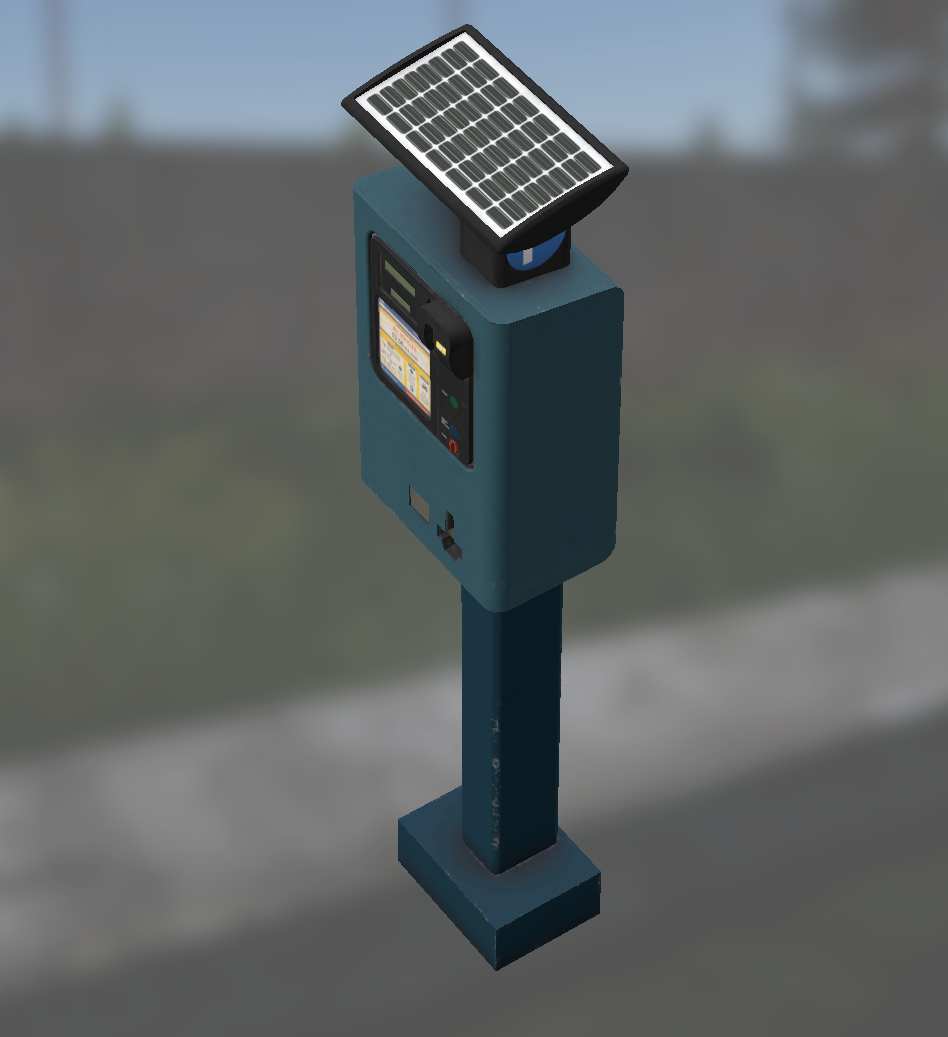
Virtual Garage pedestal

Purchasing a Vehicle

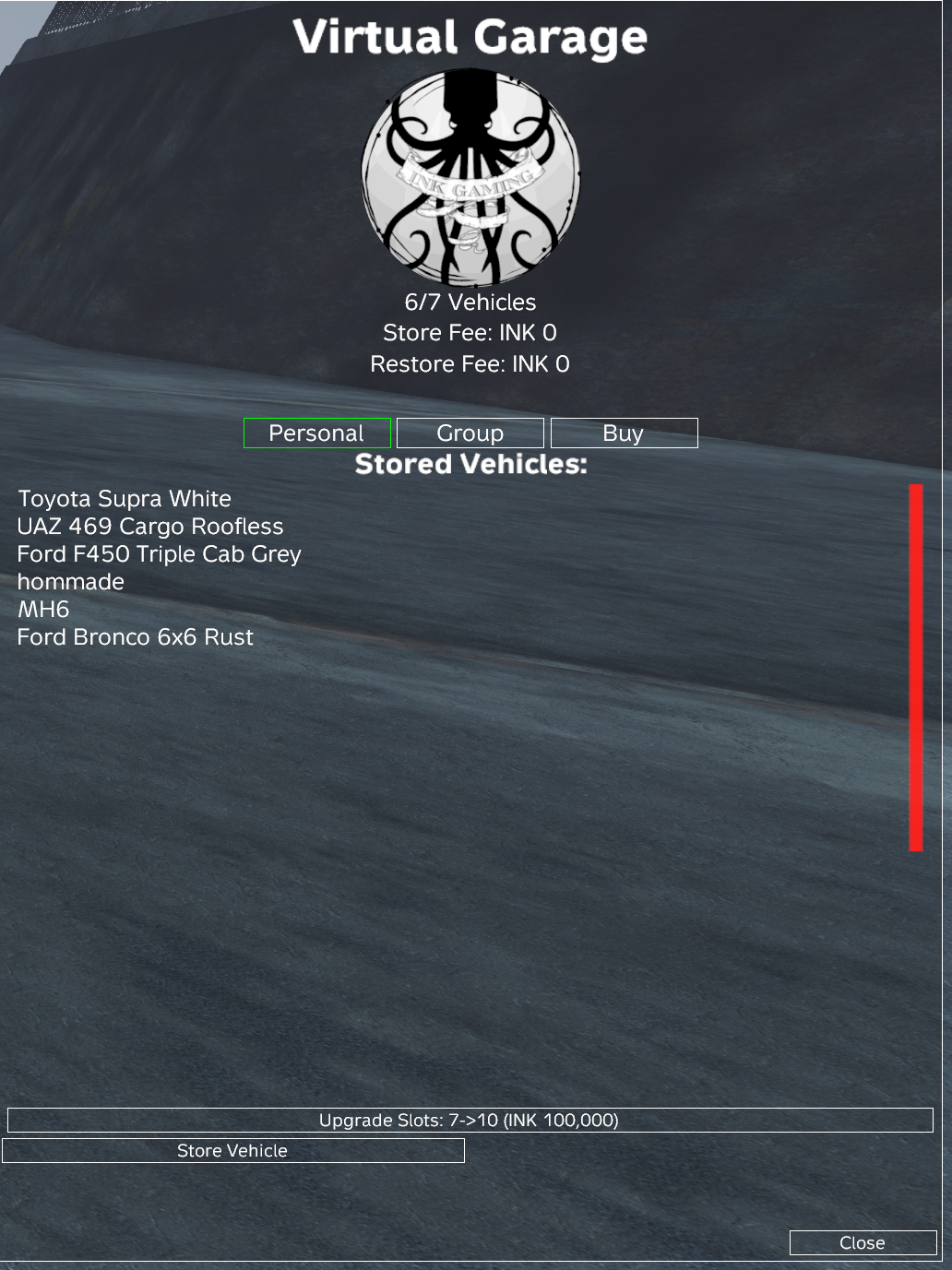
  1. Stand in front of a Virtual Garage pedestal found around the map or placed at your base and press F to open the Virtual Garage.
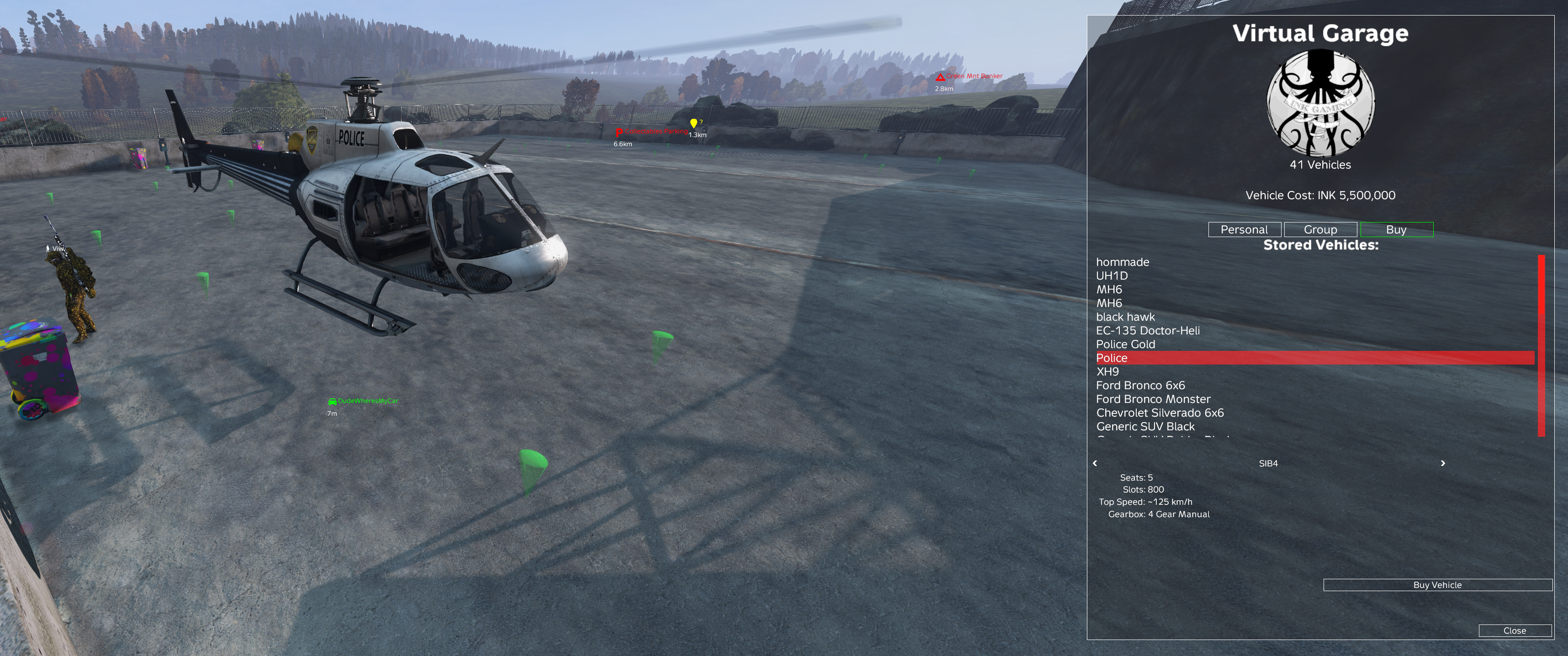
  2. Choose Buy to switch from stored vehicles to the purchase list.
  3. Scroll through available vehicles with the up and down arrows or mouse wheel.
  4. Use the left and right arrows to cycle available options for the selected vehicle.
  5. Choose Buy Vehicle when you are ready to purchase.
  6. Confirm the warning screen by choosing Buy. Your bank account needs enough INK for the full cost.
  7. After purchase, the menu returns to Personal Garage with the new vehicle stored in your inventory.
  8. A CarLock item is included with the purchase and must be applied before the lock takes effect.
Virtual Garage personal vehicle listVirtual Garage buy vehicle listVirtual Garage store vehicle menu

Buying Insurance

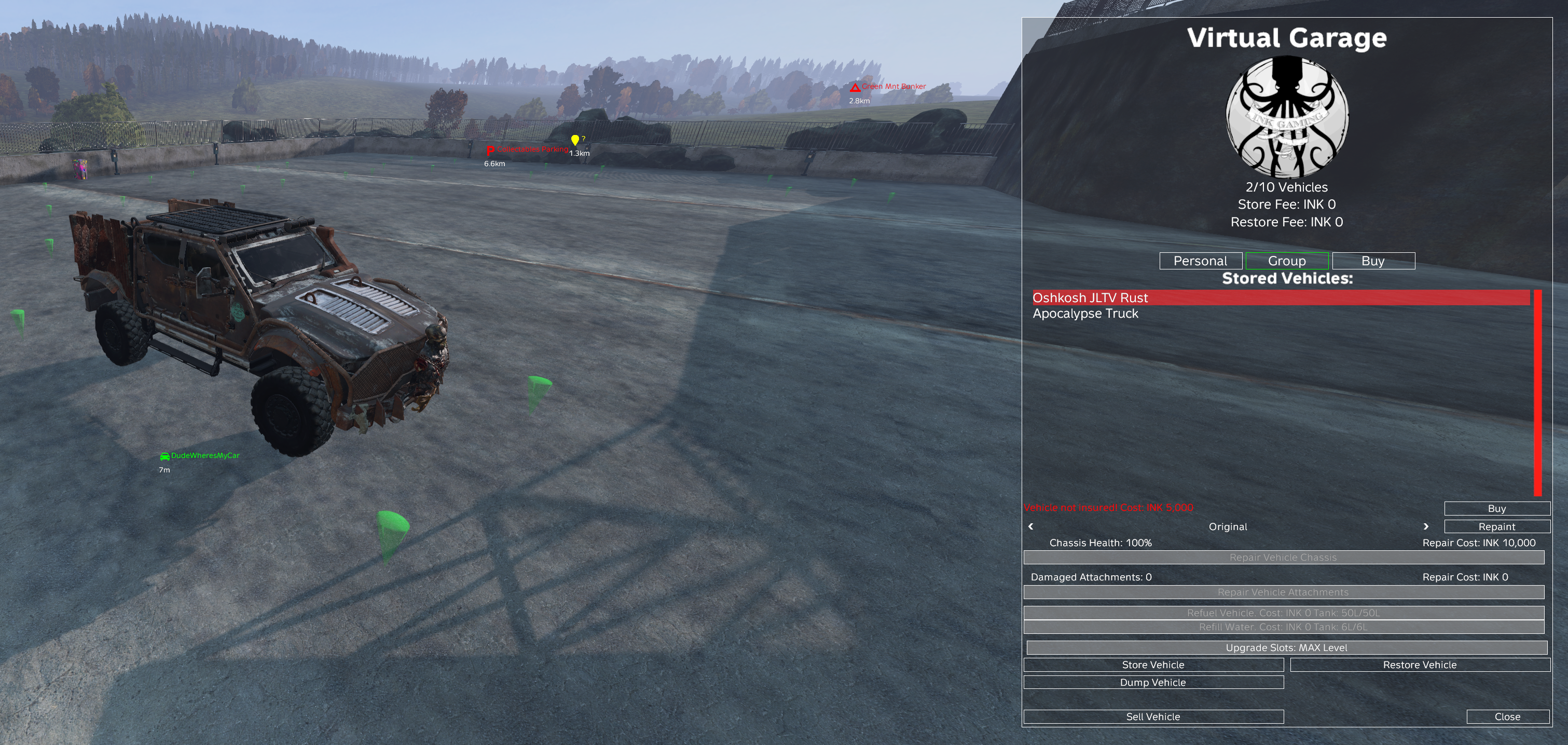
  1. Select the stored vehicle in the Virtual Garage list.
  2. Choose Buy to pay the INK 5,000 insurance cost.
  3. Verify insurance with the indicator in the lower left of the Virtual Garage menu.
Green
Vehicle is insured.
Red
Vehicle is not insured. Cost: INK 5,000.

Impound Lot

  • Impound Lot is the Virtual Garage recovery system for destroyed vehicles or vehicles left out unattended too long.
  • The impounded vehicle appears in the Virtual Garage Personal area of the original purchaser.
  • If a vehicle is impounded by admin action or an automated time limit, the release cost appears when that vehicle is selected.
  • If a vehicle is impounded because it was destroyed, use the garage insurance claim flow when coverage is available.